Beast Surface
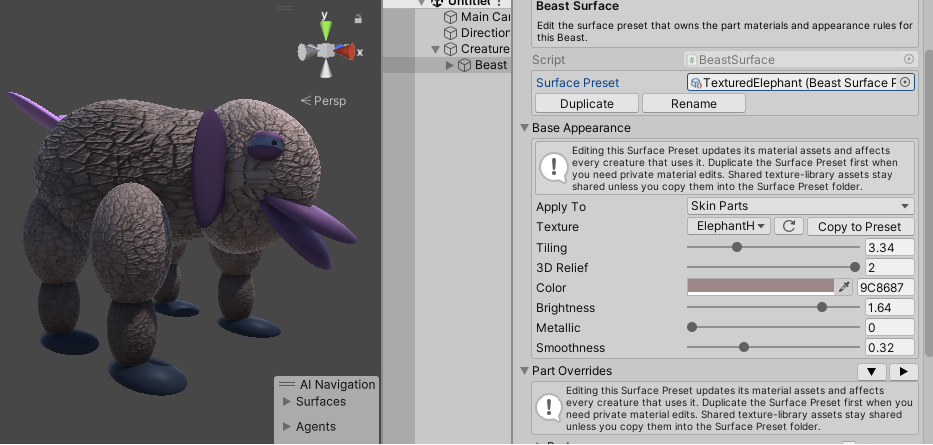
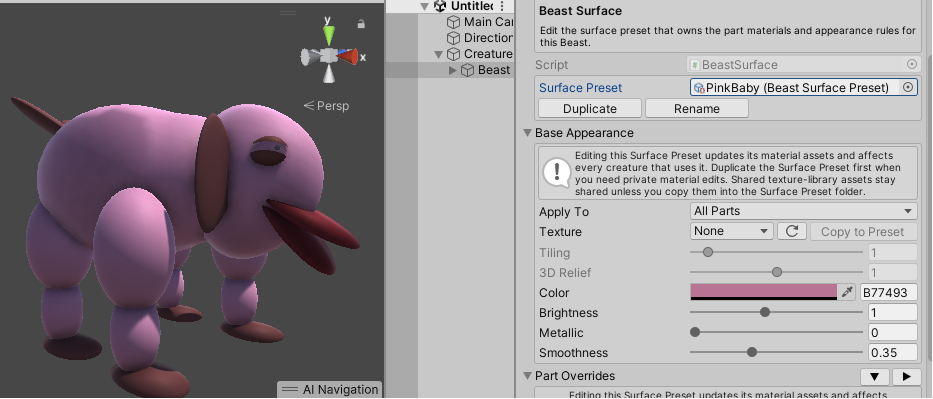
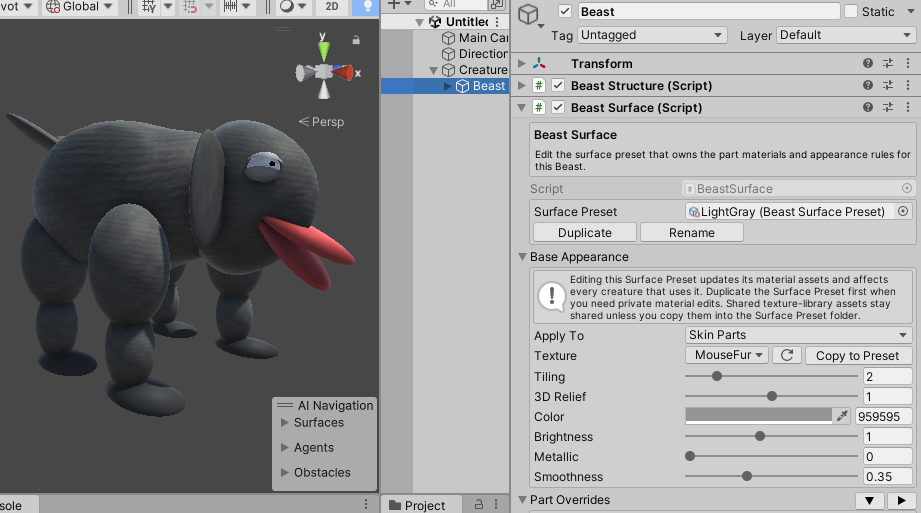
Beast Surface controls the colors and materials used by generated Beast parts.
Surface is separate from Structure. A Beast can keep the same shape while switching between different Surface presets.
In This Section
Typical Workflow
- Select a Beast.
- Choose a Surface preset in the
Presetsfoldout. - Apply the preset.
- Duplicate the preset when you want an independent editable copy.
- Edit the generated materials directly.
Surface presets are reusable assets. Duplicating a surface preset creates an independent preset and material set that can be edited without changing the original.